Always-Visible Calendar for Windows
A powerful Windows desktop calendar widget with AI-powered natural language event creation, smart scheduling assistance, and seamless integration with Google Calendar and Outlook. Share your availability, manage meeting requests, and stay organized with a beautiful calendar that lives on your desktop.
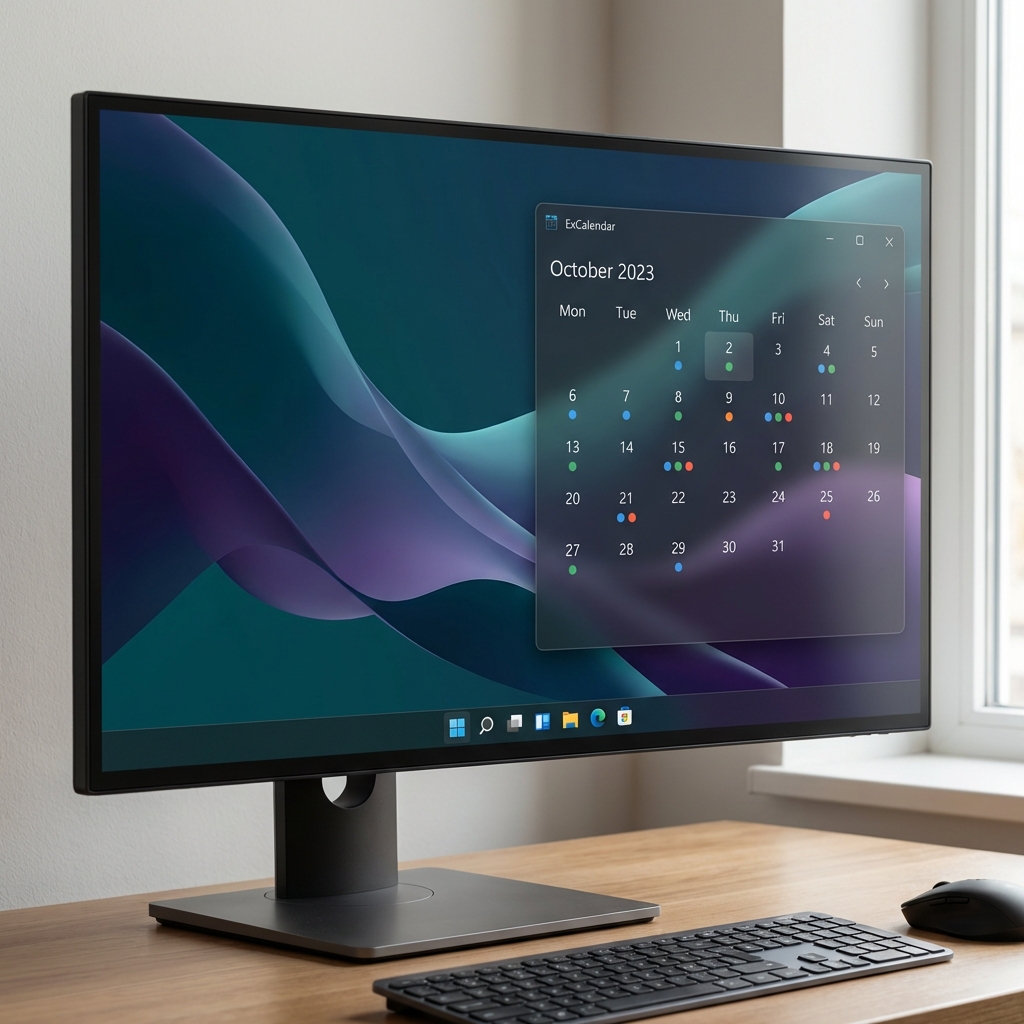
Everything you need in a desktop calendar widget
Create events naturally: "Lunch with Sarah tomorrow at noon" or paste images/text to instantly generate calendar events. AI understands context, dates, times, and locations.
Attaches to your Windows desktop layer, staying visible behind all windows but above the wallpaper for constant access to your schedule.
Share your availability via secure links with privacy controls. Recipients see only free/busy status without event details. Perfect for scheduling meetings.
Seamlessly connects to both Google Calendar and Outlook/Microsoft Calendar. Manage all your calendars in one unified view with automatic background sync.
Send and receive meeting requests via email. Recipients can approve or decline directly from their inbox, automatically creating events when accepted.
Beautiful calendar grid with colored event indicator dots. Click any day to see a compact agenda popup with event details and quick actions.
Choose from modern presets including Dark, Graphite, Light, Mist, and Citrus with smooth transitions and customizable opacity.
Telegram-style spring physics animations with drag & drop support. Visual feedback and micro-interactions make every action feel premium and responsive.
Events are cached locally in SQLite for offline viewing. Access your schedule even without an internet connection.
OAuth tokens stored in Windows Credential Manager with DPAPI encryption. Your calendar data stays private and secure on your device.
ExCalendar is a free, lightweight Windows desktop calendar widget developed by Expeditise LLC. Designed for minimal resource usage, ExCalendar provides constant visibility of your schedule without cluttering your workspace.
ExCalendar operates entirely on your local device. We do not transmit your calendar data to any external servers beyond what's necessary to sync with Google Calendar. Your OAuth tokens are encrypted using Windows DPAPI, and we only request read-only access to your calendar.
For detailed information, please read our Privacy Policy and Terms of Service.
ExCalendar is currently in development. Visit our GitHub repository to access the source code, report issues, or contribute to the project.